How Microsoft Purview DLP currently can help you protect confidential data in Copilot.

Organizations today face a difficult balancing act. Business leaders are eager to adopt tools like Microsoft Copilot to unlock productivity and innovation. Meanwhile, IT and security teams are concerned about safeguarding sensitive information, especially as AI-driven features process vast amounts of organizational data. This tension is real: enabling advanced capabilities without compromising compliance or data protection is a challenge every modern enterprise must solve. Microsoft Purview Data Loss Prevention (DLP) is a key solution to this problem. It provides mechanisms to prevent confidential data from being exposed or misused, even in scenarios involving AI. I want to highlight two features designed to help organizations in controlling what is being processed by Copilot. Blocking Documents Based on Sensitivity Labels One of the foundational features of Purview DLP is its ability to enforce policies based on Microsoft Information Protection sensitivity labels. If your organization...

One more personalization feature for OneDrive on the way

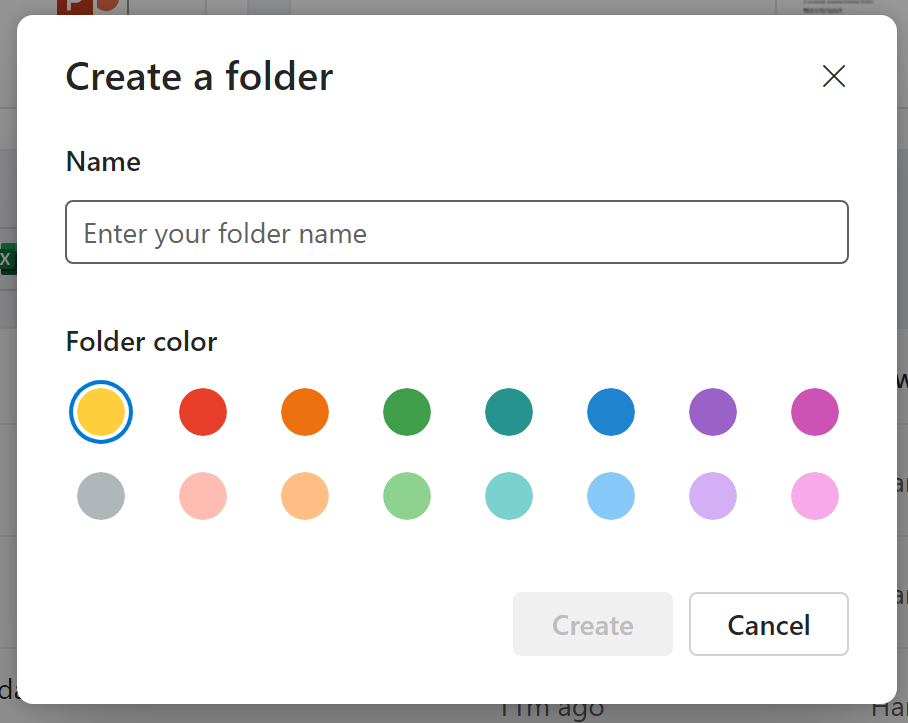
One of the new features in OneDrive/SharePoint is the capability to set specific colours to the folders. Not only a way to personalize the look and feel, but possibly a way to visually organize content? All part of a bigger "personalization" journey for OneDrive: Experience the New OneDrive 

This in addition to previously mentioned "find file by contact" or "find by meeting". Features I already have in my OneDrive, and already using quite actively.

The feature should be rolling out by the time this post is published, but it can take some time to land in all tenants. (PS: To set color on an old folder, rename it)