This is one of many AI related updates we can expect for Teams. As roadmap items
95267 and
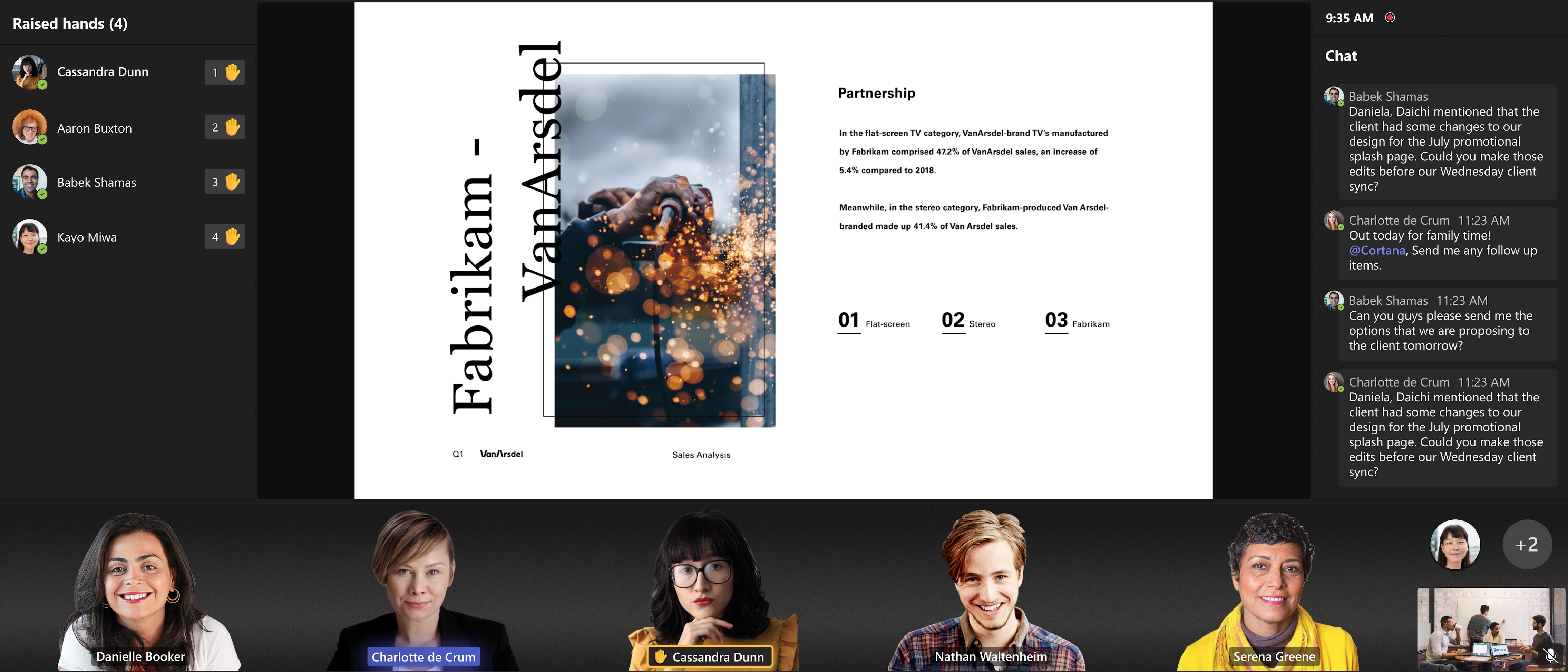
122554 starts rolling out, teams room systems with version 4.18 or newer, and with 4 cores or more will have this new feature (policy) turned on by default. With the use of AI, the background will be removed from incoming video-feeds. This will remove distracting elements, and at the same time create a unison look for the participants in the room. According to the message center this will become available late August or September.
Subscribers of the "Teams premium" license should by now have access to
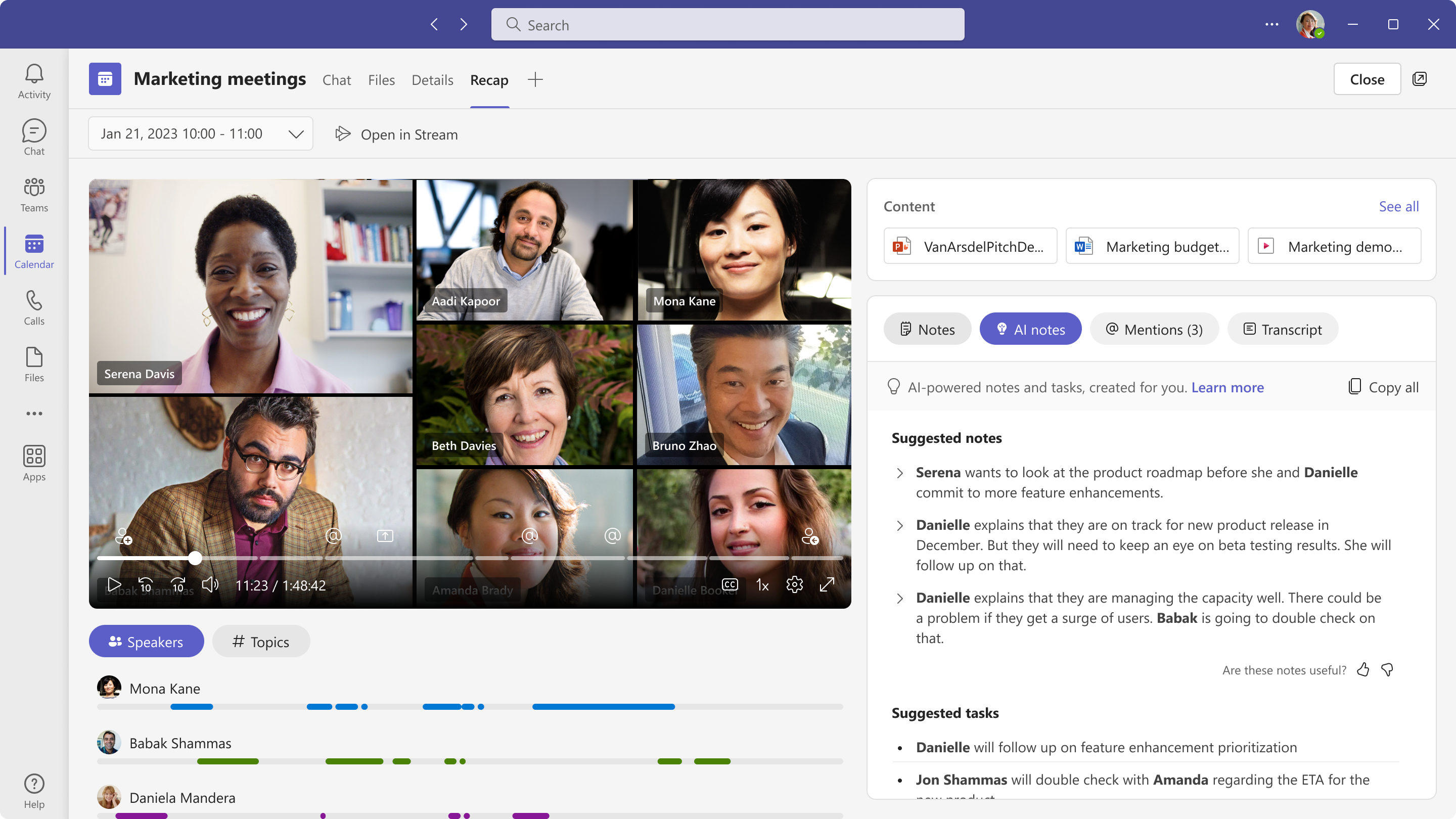
Intelligent Meeting Recap. The feature is currently available only to meetings recorded (and transcribed) in English. Other languages are expected later this fall. Also, the feature has been added to EU hosted tenants.
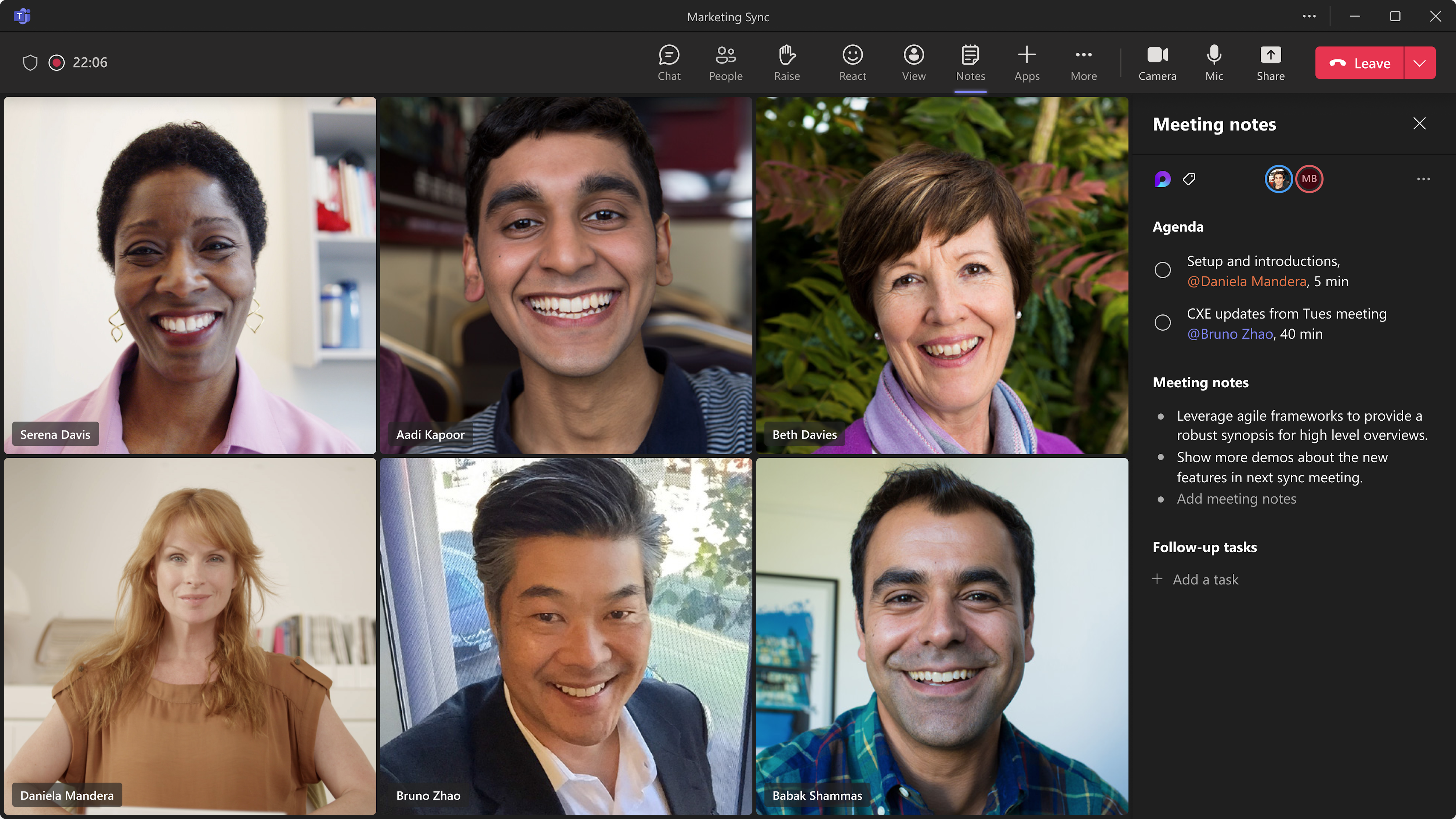
Meeting notes in Teams is getting more tightly integrated with the rest of the M365 tools and services as "Collaborative meeting notes" become available. The feature is a Loop component, and will also integrate with Planner and ToDo. Organizers can create notes and attach it to meeting invites, making it easier to prepare for all participants. And assigned tasks will sync into users ToDo list. This according to roadmap item
101509
You might also notice that all Tasks in Loop components will start syncing to planner and ToDo. This according to roadmap item
124928
Comments